Tutorial
Carry settings explained
What every Carry setting does: your save folder, connected AI apps, automatic saving, sources, Claude Cowork, older chats, license, privacy and help.
Your folder
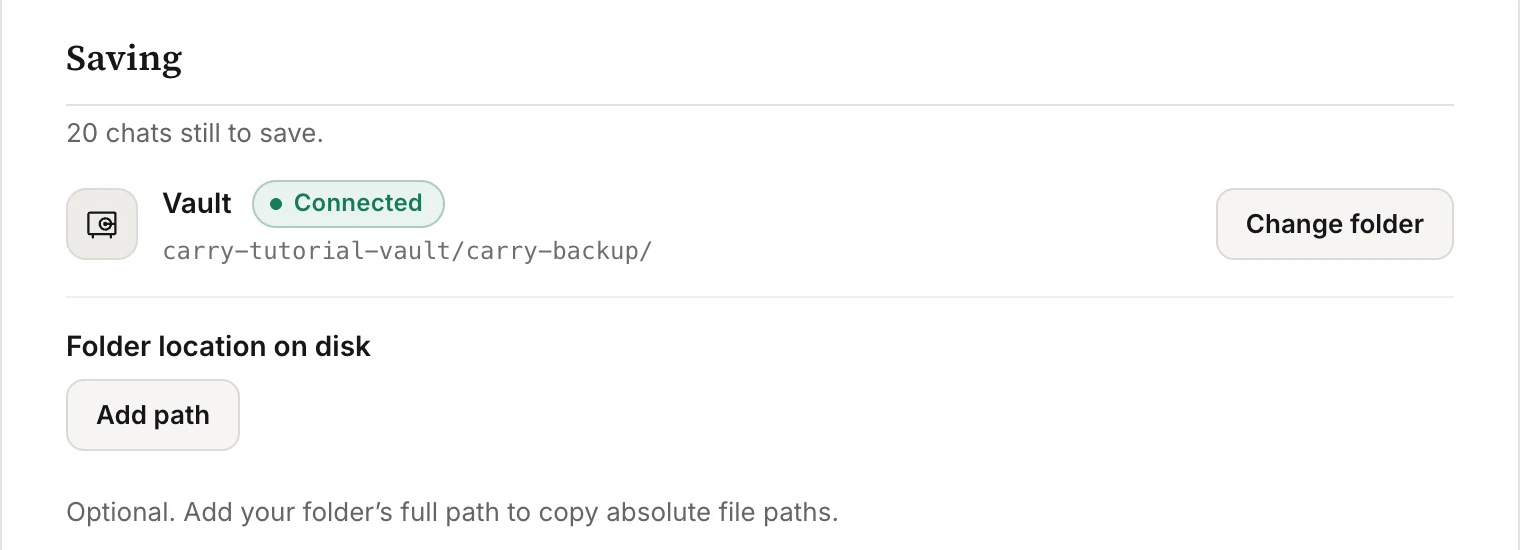
Where Carry saves. Change folder picks another one. Folder location on disk is optional: add the full path and Copy path gives full file paths.
Providers
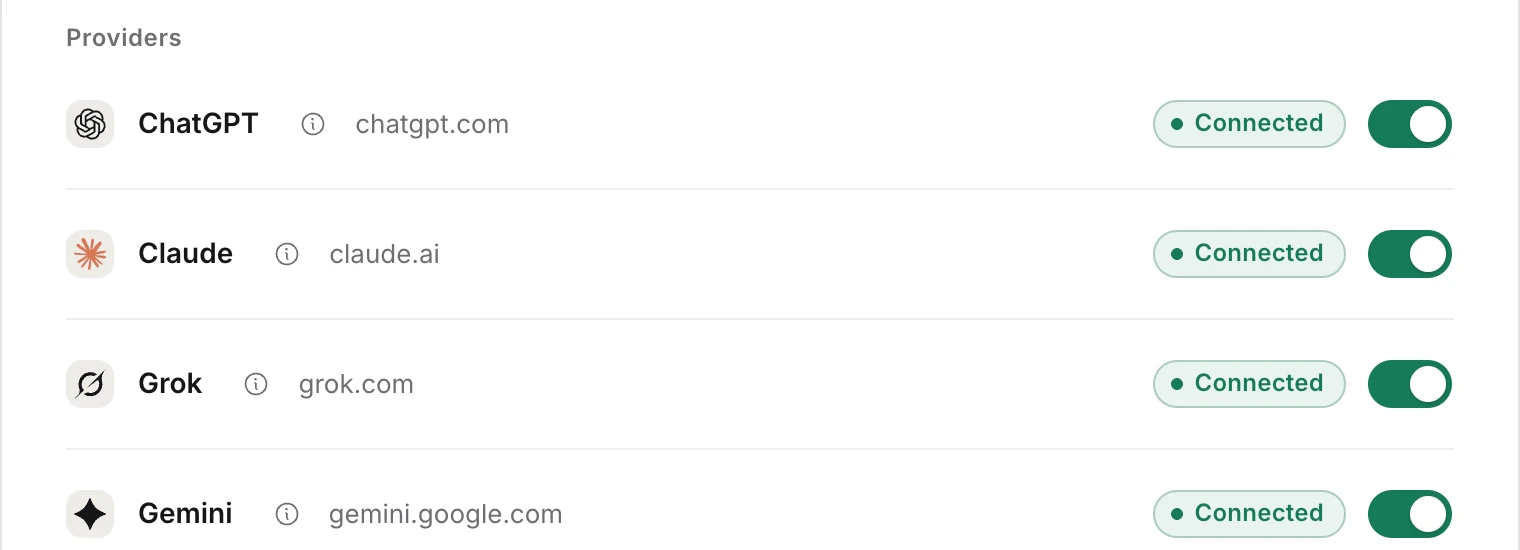
Each app Carry saves from. Turning a switch off disconnects that app; chats already saved stay in your folder.
Options
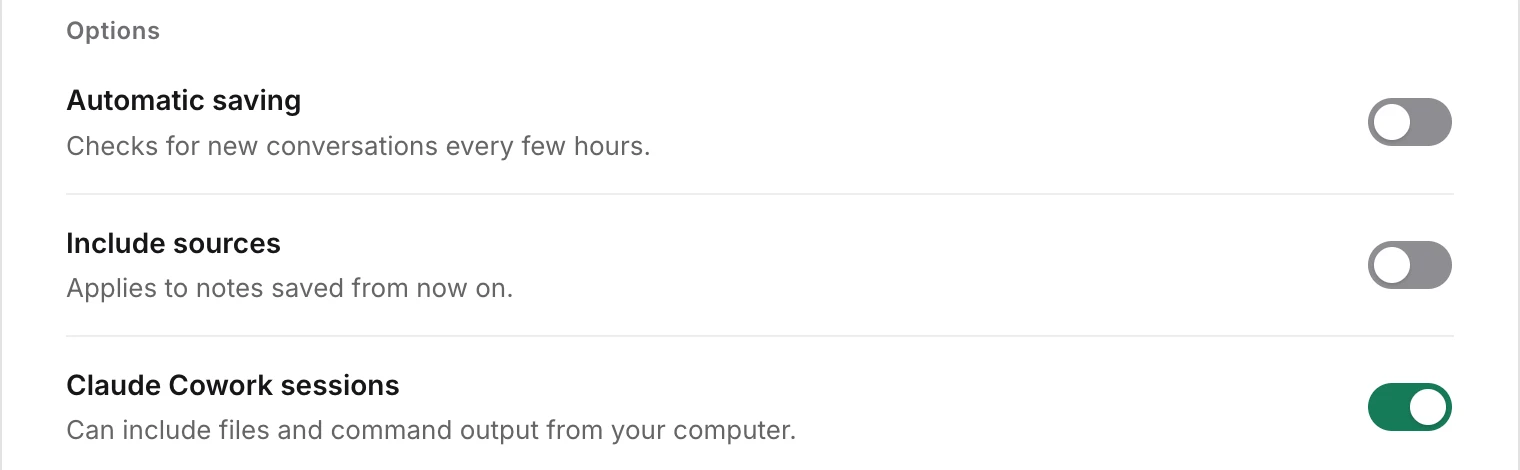
Automatic saving checks for new chats every few hours. Include sources adds web sources to notes saved from now on. Claude Cowork sessions (on for new installs) saves Cowork work, which can include files and command output from your computer.
Older chats
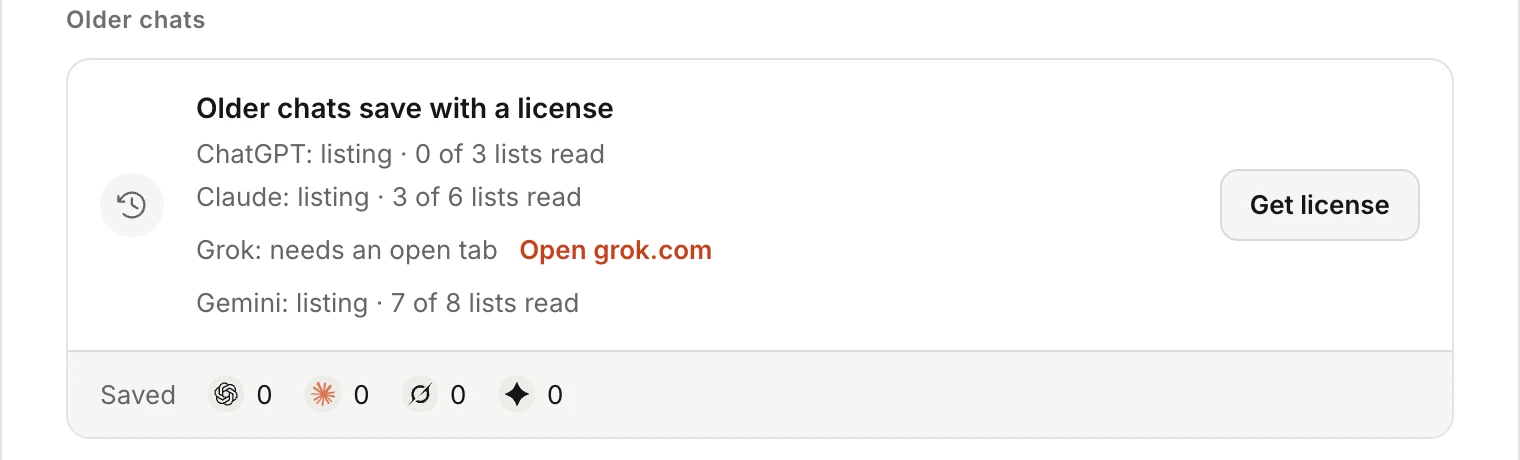
Older chats save with a license. The card shows progress for each app and how many chats are saved.
License
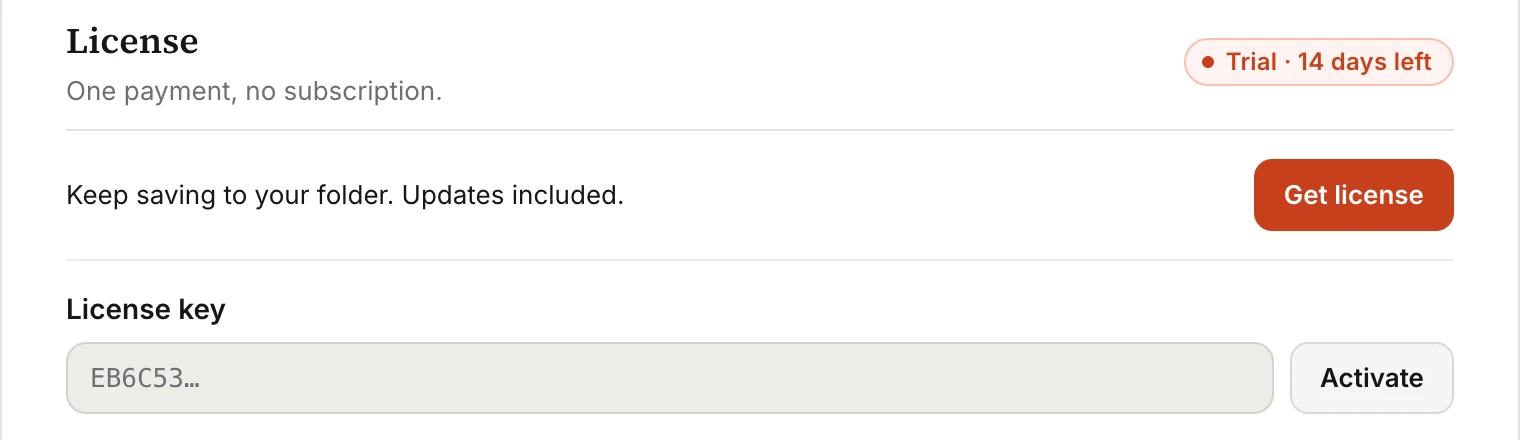
Days left in the trial. Get license to buy, or paste your key and click Activate.
Privacy and help
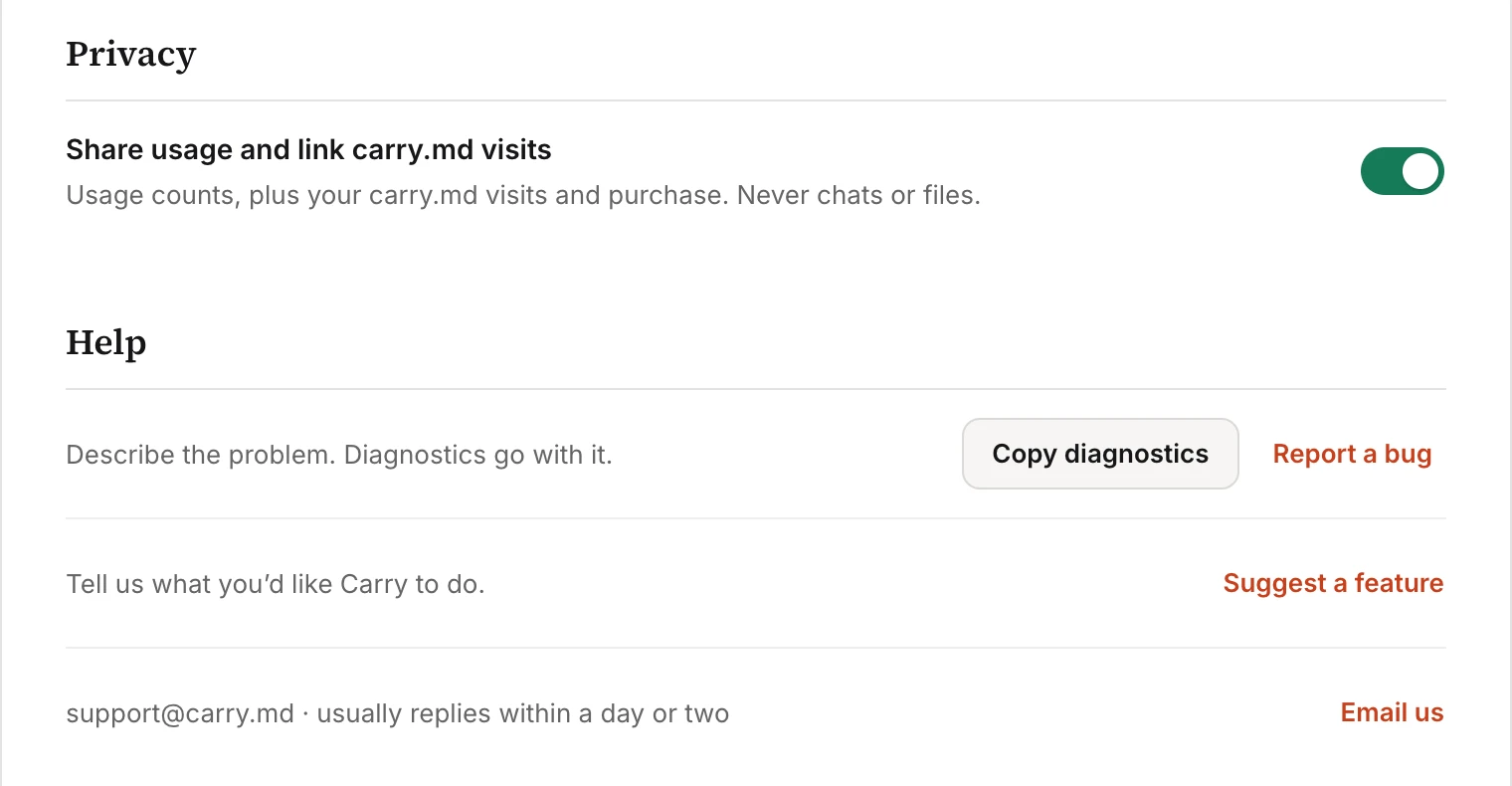
Share usage sends counts, your carry.md visits and the field names of unsupported content — never your chats, values or files. Copy diagnostics and Report a bug help us fix problems.