Carry for your team
One payment. A license for everyone.
Large team? Contact us
After you buy
Pay on Polar
Polar takes the payment and confirms your order.
Invite your team
You get one license automatically. Add everyone else’s email on the next screen, or later at carry.md/account.
They activate Carry
Each person opens the email from Polar, claims their key and pastes it in Carry under Settings → License.
Manage your team
carry.md/accountOpen your order
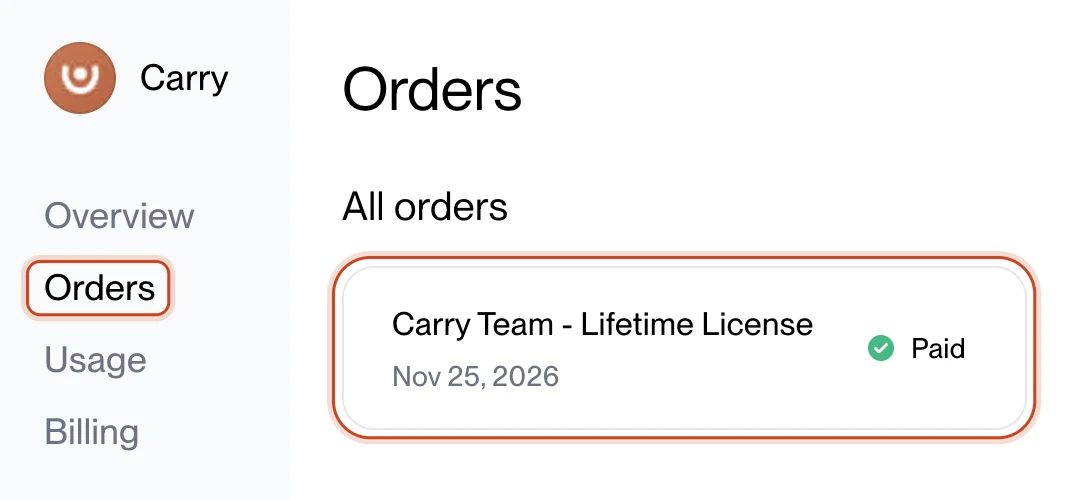
Go to carry.md/account and sign in with the email you bought with. Choose Orders, then Carry Team.
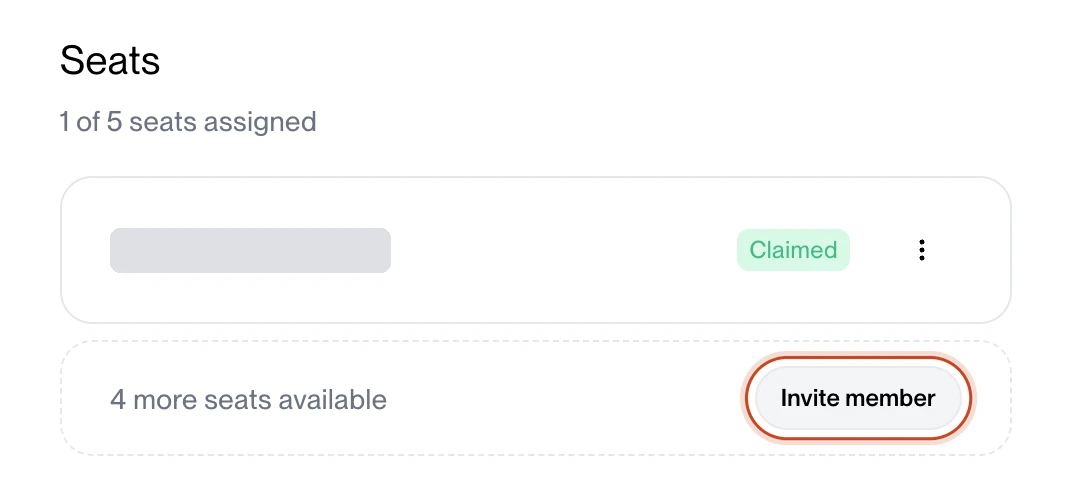
See who has a license
Under Seats, press Invite member to add someone. The ⋮ menu frees a seat for someone else.
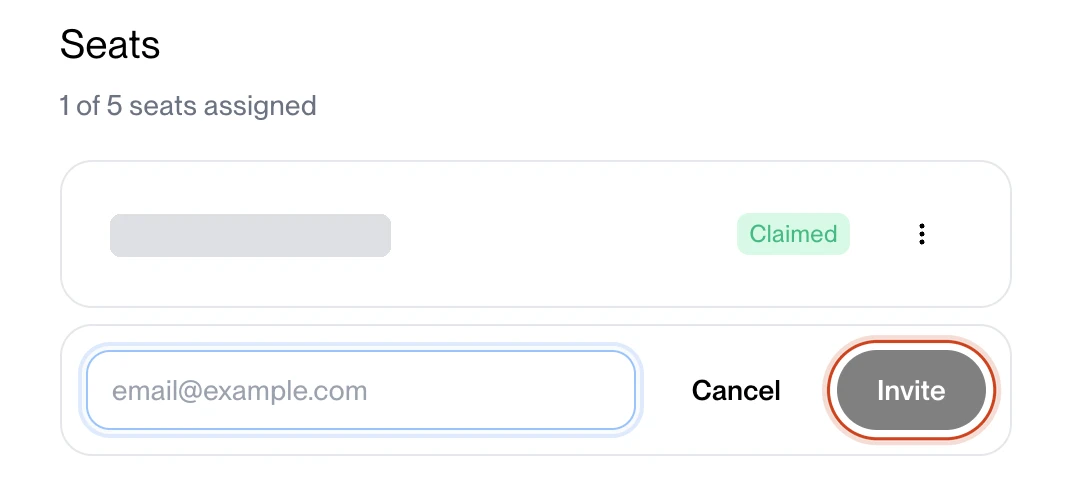
Invite someone
Enter their email and press Invite. Polar sends them a link.
Questions
- Can teammates see my chats?
- No. Carry doesn’t show one person’s chats to another. Each person chooses their own folder.
- Can I add people later?
- Yes. Buy more licenses any time, 3 or more at once.
- Should I count myself?
- Yes. You get one license automatically, so include yourself in the total.
- What if an invite expires, or I typed the wrong email?
- Invites last 24 hours. Open your order, revoke the old invite and send a new one.
- Do I get a VAT invoice and a refund window?
- Yes. Polar issues a tax or VAT invoice in carry.md/account, and the 14-day full refund covers the whole order.
- What if I bought with the wrong email?
- Email support@carry.md and we’ll help.