Tutorial
Search your ChatGPT history, plus Claude, Gemini and Grok chats
Search your ChatGPT history and Claude, Gemini and Grok chats down to the message. Filter by app, date, Project or who wrote it, and copy what you need.
Search from the popup
On the Vault tab, type in Search saved chats. Each result shows the line that matched. Tap an app icon to search only that app.

Open the full search
Click the expand icon for a full page with filters and a reader.
Jump to the match
Click a result. It opens at the matching message; the arrows step through every match in that chat.
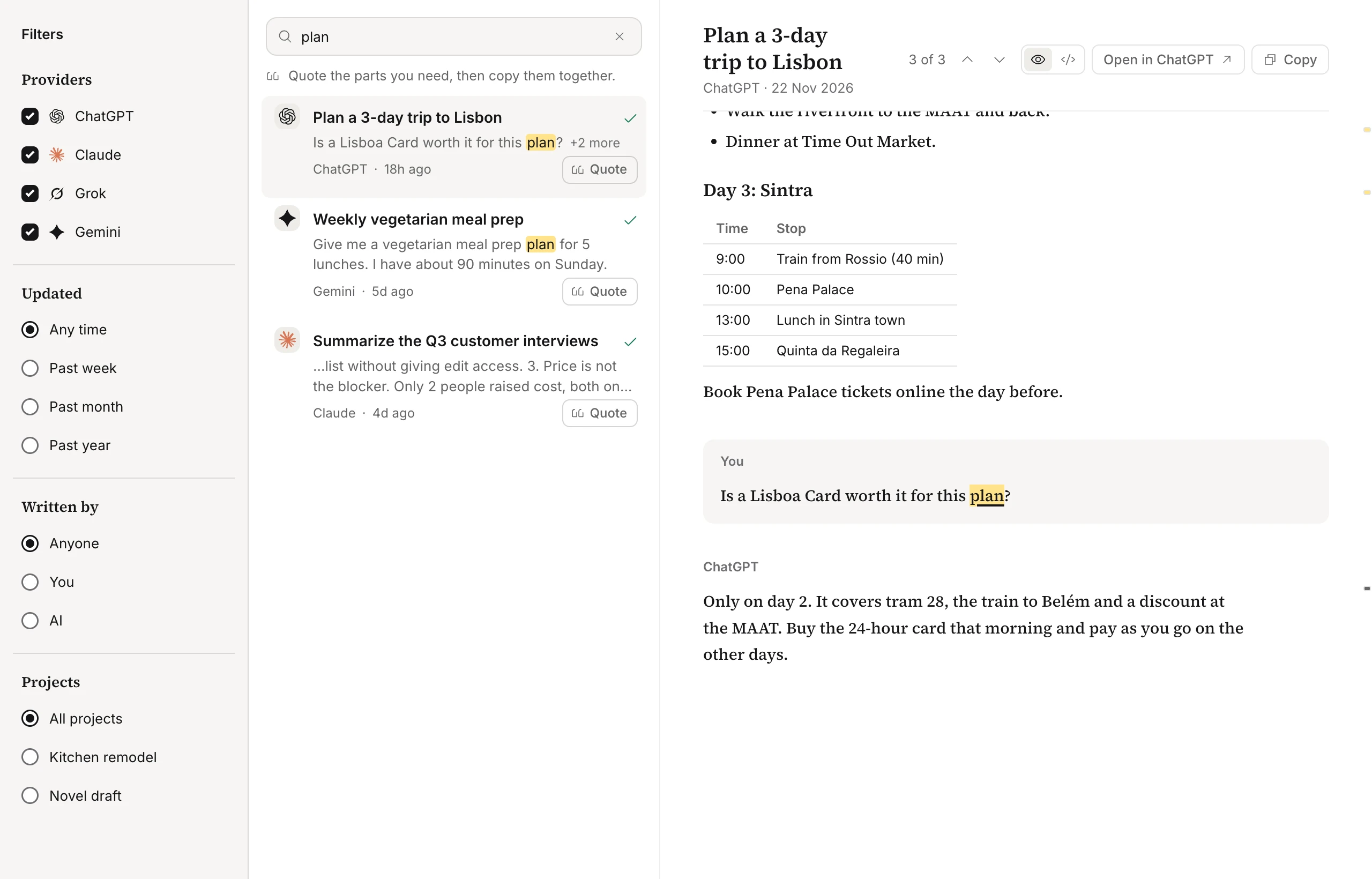
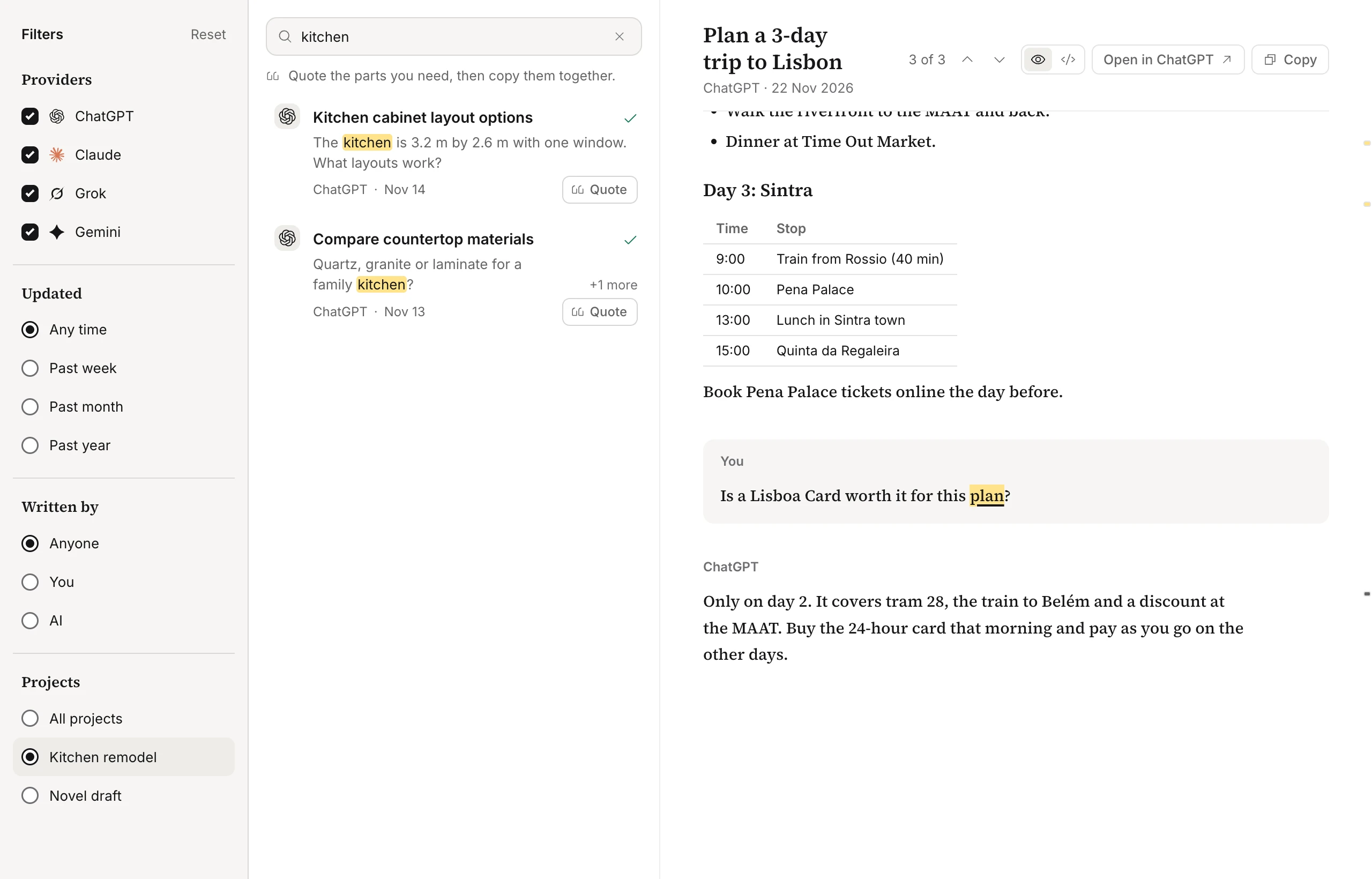
Narrow it down
Filter by app, Updated (past week, month or year), Written by (You or AI), or Project.
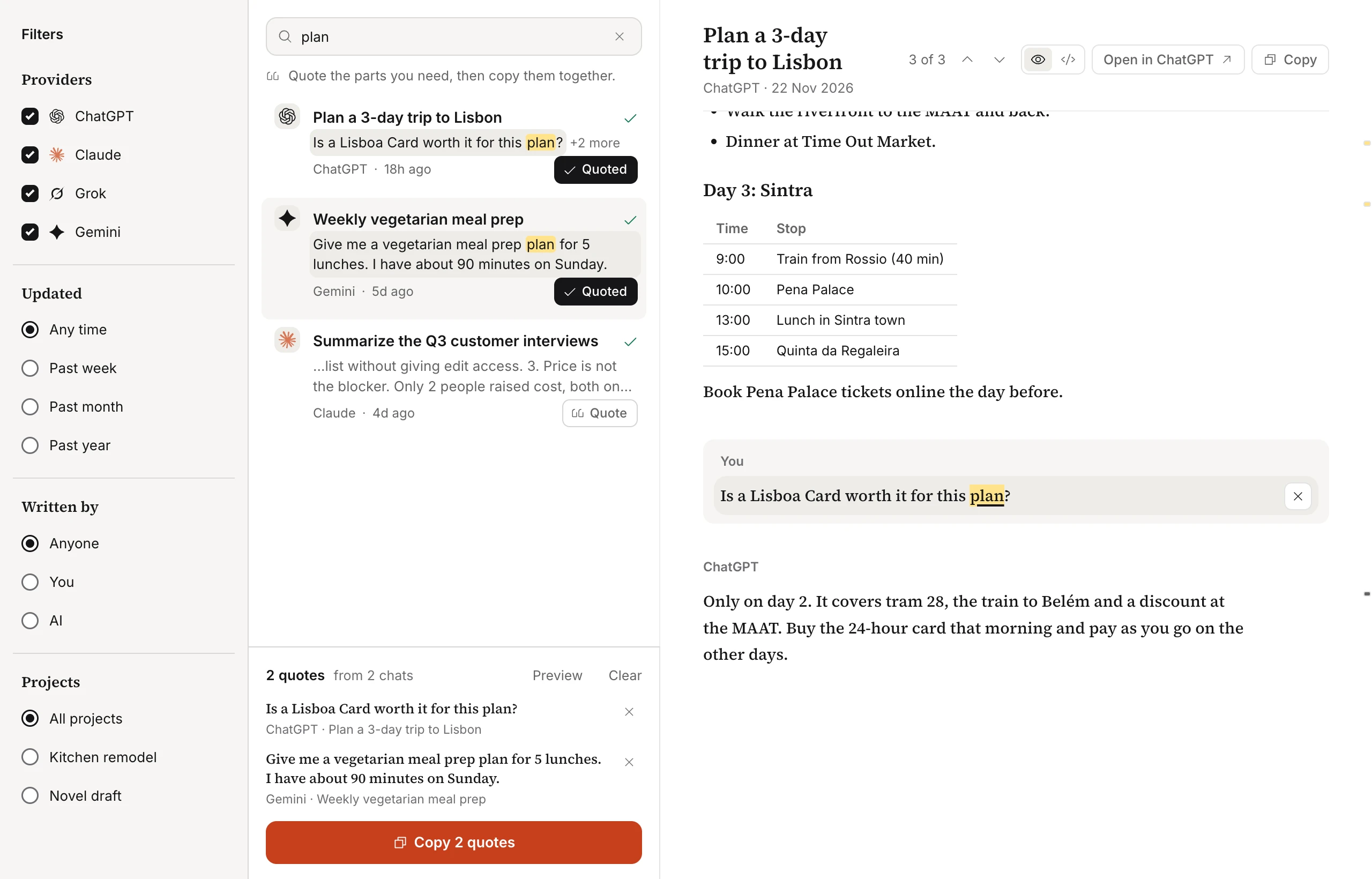
Quote and copy
Click Quote on a message — or highlight specific text in the reader to quote just that line — then Copy your quotes together or send them straight into another AI with Continue in.
Works offlineSearch and preview read your saved notes, so they work without the app and after a chat is deleted there.
First searchCarry indexes your notes once; “Indexed N of M chats” shows progress.
Found it?Continue the chat in another AI.